Fonts loading
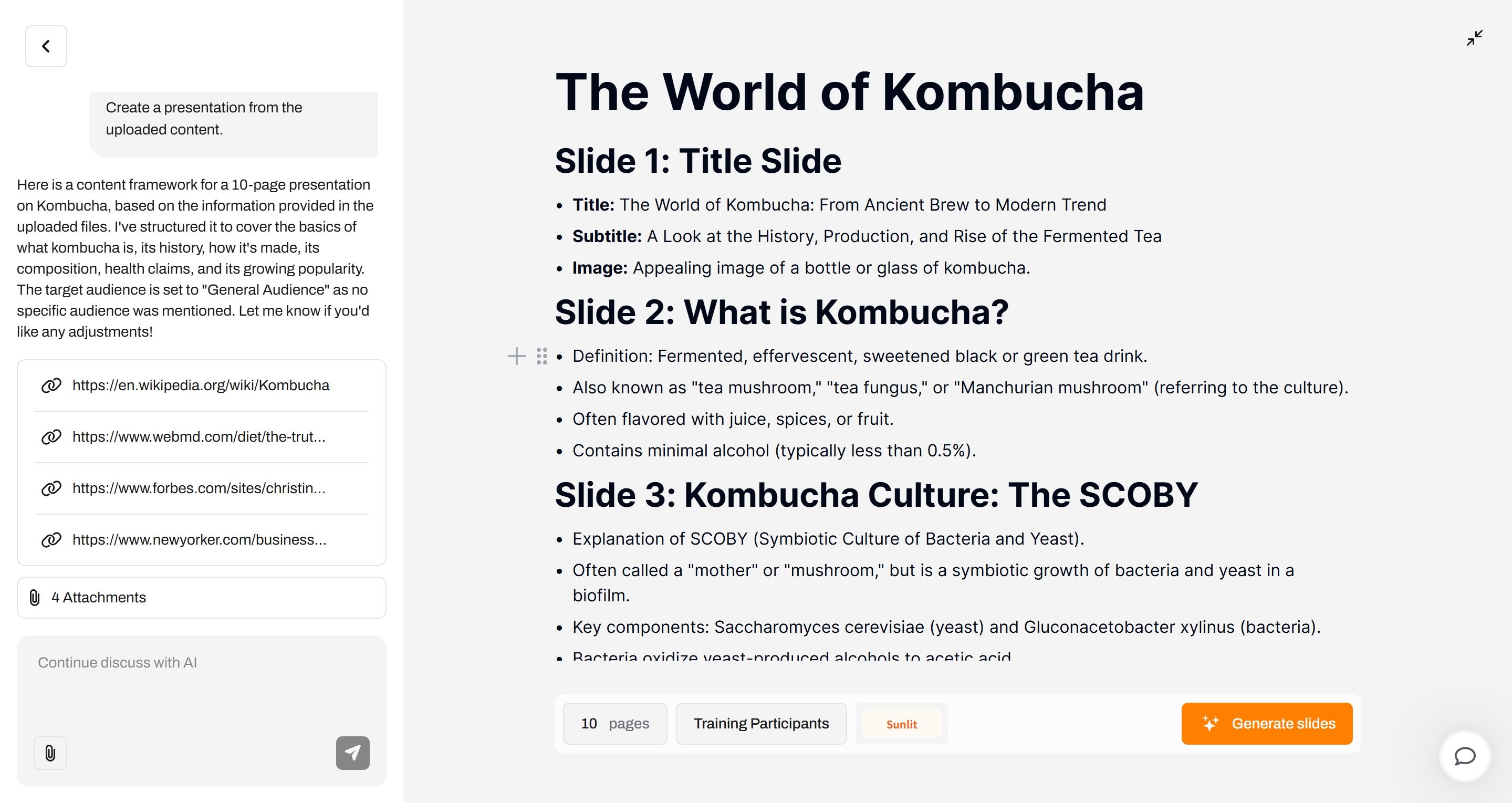
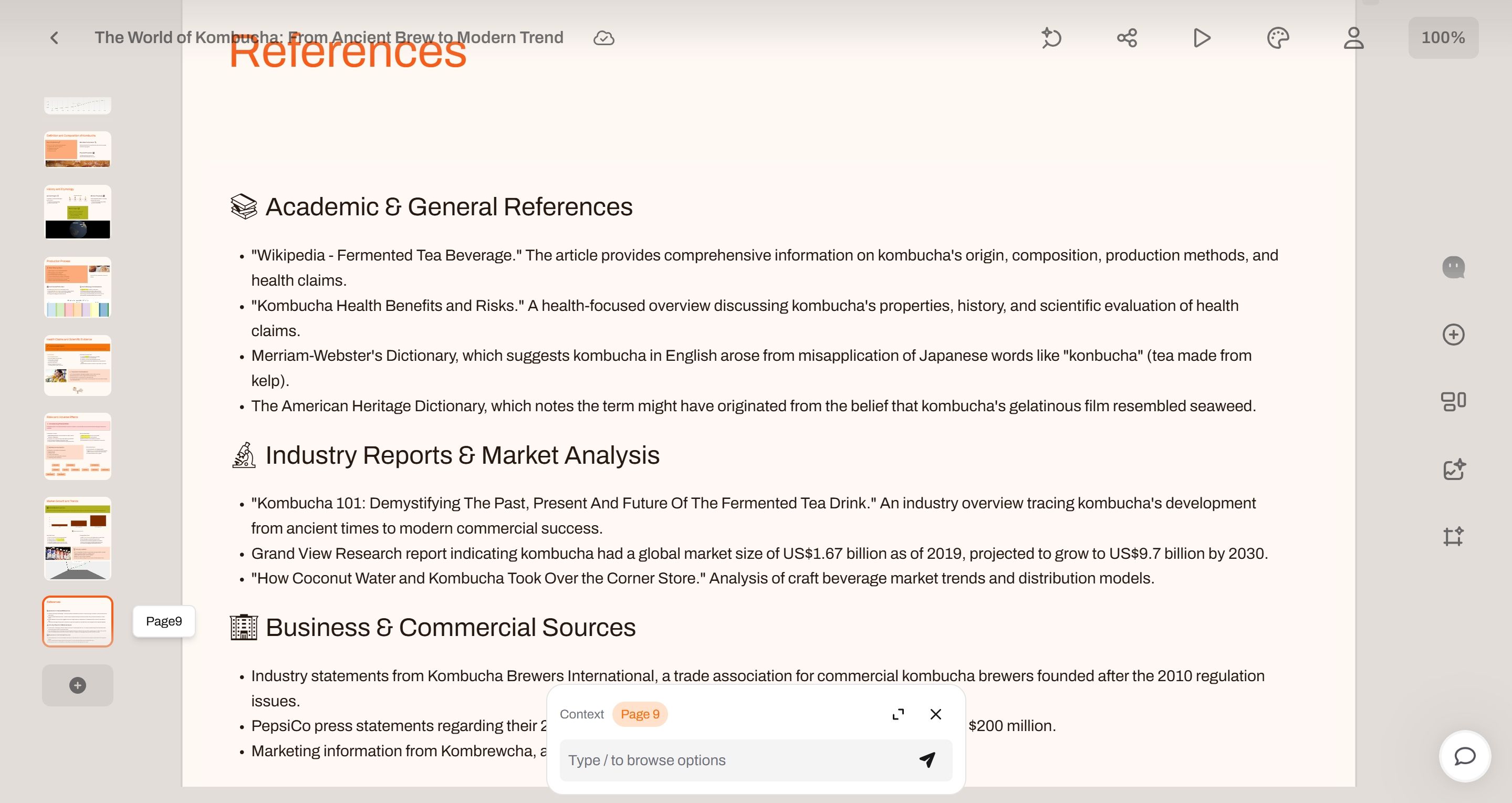
Before and after PPT generation, the theme and font I selected were both "Font A" (using "A" as a placeholder since I don’t know its actual name).
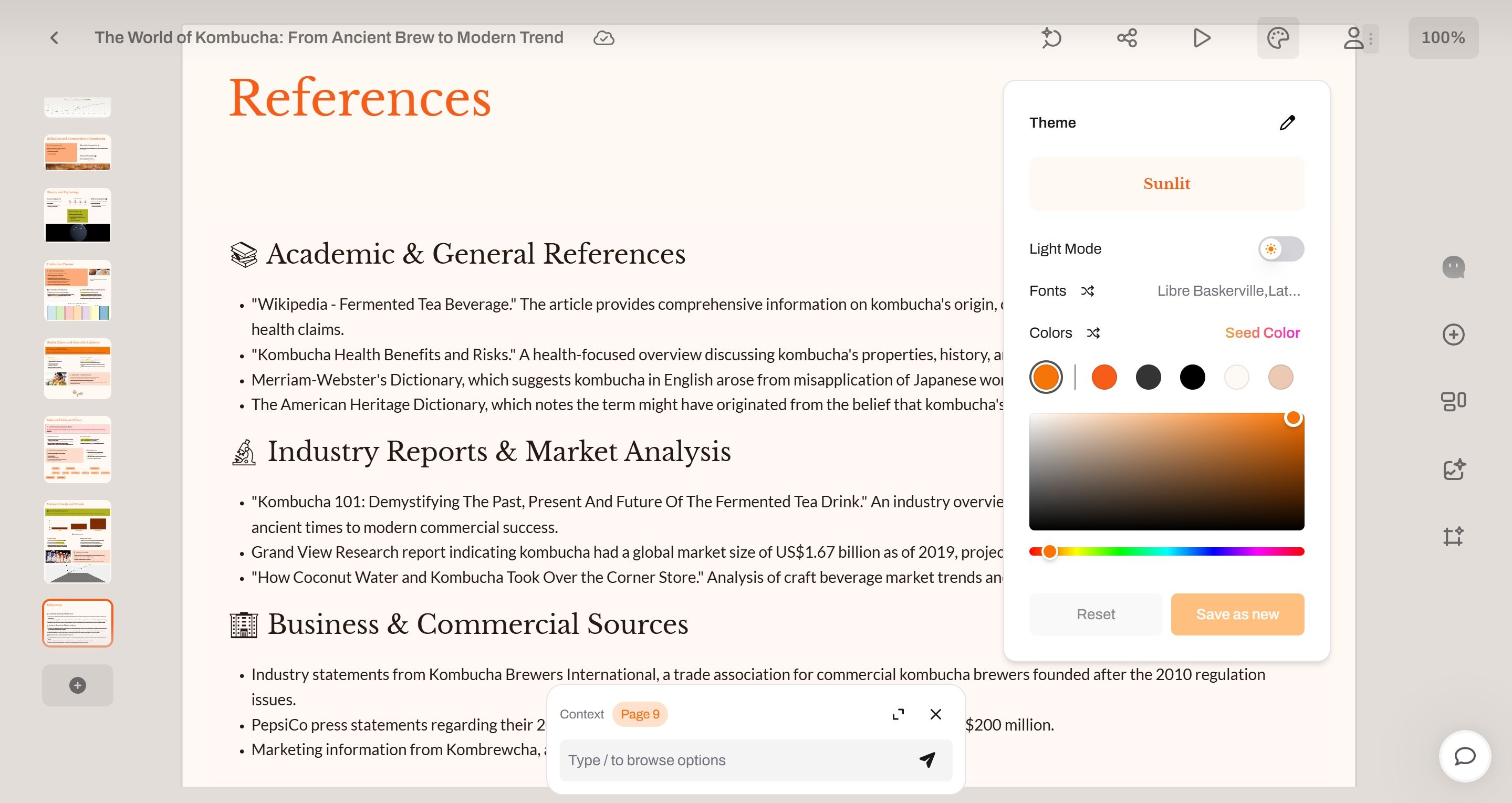
However, after clicking the Theme button by chance, the entire PPT’s font changed to the more elegant Libre Baskerville.
Upon checking the edit and settings interface for the Sunlit theme, I found it’s configured with Libre Baskerville by default.
Does this mean the previously displayed "Font A" was a bug?
This issue significantly impacts the visual experience, as font choices play a crucial role in PPT aesthetics.
Hope you can fix this bug at your earliest convenience.
Log in to comment and vote
No comments yet
Be the first to share your thoughts.